

Description de l'application
Great! Here's a polished and professional summary of TMEditor based on your provided information — suitable for documentation, a website, or a GitHub README:
🎮 TMEditor – A Powerful 2D Map Editor for Game Development
TMEditor is a free, user-friendly map editor built for developers and designers creating 2D games. With full support for the industry-standard .tmx format, TMEditor enables seamless creation of detailed level layouts with features tailored for modern game development workflows.
Whether you're designing platformers, RPGs, or top-down adventures, TMEditor gives you the tools to define everything from terrain and collision zones to enemy spawn points, item placements, and more — all with intuitive drag-and-drop editing.
🛠️ How to Use TMEditor
Creating a map with TMEditor is simple and fast:
-
Set Map Dimensions & Tile Size
Define your map’s resolution and base tile size (e.g., 32×32 pixels). -
Import Tilesets
Add one or more image files as tilesets — perfect for backgrounds, terrain, and decorative elements. -
Paint Your World
Use the Stamp, Rectangle, and Copy/Paste tools to lay down tiles across multiple layers. -
Place Custom Objects
Add abstract game elements like:- Enemy spawn points
- Player start positions
- Triggers and pickups
- Custom logic markers (via properties)
-
Export Your Map
Save your work as a.tmxfile — the universal standard for 2D game maps. -
Integrate into Your Game Engine
Import the.tmxfile into engines like Godot, Unity, Love2D, Tiled, or any framework that supports Tiled’s TMX format.
✨ Key Features
- Map Types: Fully supports Orthogonal and Isometric map modes.
- Multiple Tilesets: Combine different tilesets within a single map.
- Multi-Layer Editing: Edit up to 8 layers for depth, overlays, and visual complexity.
- Object Layers: Create and organize custom objects with rich metadata.
- Custom Properties: Assign key-value pairs to maps, layers, and objects for runtime logic.
- Advanced Tools:
- Stamp Tool – Paint tiles quickly with repeated patterns.
- Rectangle Tool – Fill regions with consistent tiles.
- Copy/Paste – Duplicate sections across the map.
- Tile Flipping & Rotation – Flip tiles horizontally, vertically, or diagonally.
- Undo & Redo – Recover from mistakes during tile and object placement (in progress).
- Object Types:
- Rectangle, Ellipse, Point, Polygon, Polyline
- Text labels (e.g., for debugging or hints)
- Embedded Images (for overlays or special effects)
- Isometric Object Placement – Place objects precisely in isometric space.
- Background Image Support – Add full-resolution background images behind your tile layers.
- Export Formats:
- XML (human-readable)
- CSV, Base64, Base64-Gzip, Base64-Zlib (optimized binary formats)
- PNG (for image data only)
- Replica Island (level.bin) – For compatibility with legacy or custom engines
📦 Latest Release: v1.0.27
📅 Last Updated: October 4, 2024
This release includes:
- General bug fixes
- Improved stability and performance
- Minor UX enhancements for smoother workflow
✅ Fully compatible with Tiled’s
.tmxspecification
🌐 Open-source and free for personal and commercial use
📌 Why Choose TMEditor?
- Lightweight & Fast – No bloat, built for speed and clarity.
- Open Standard Focus – Export to
.tmxfor maximum compatibility. - Extensible – Leverage custom properties to drive game logic in your engine.
- Made for Developers – Designed by developers, for developers.
🎯 Perfect for: Indie studios, hobbyists, educators, and game jam teams building 2D games.
🔗 Download & Get Started: [Insert link to official download or GitHub page]
📖 Documentation & Tutorials: [Insert link]
🎮 Build smarter, faster, and more creatively with TMEditor – your go-to tool for 2D map design.
Let me know if you'd like a GitHub README, marketing website copy, tutorial script, or export plugin guides for specific engines!
Capture d'écran
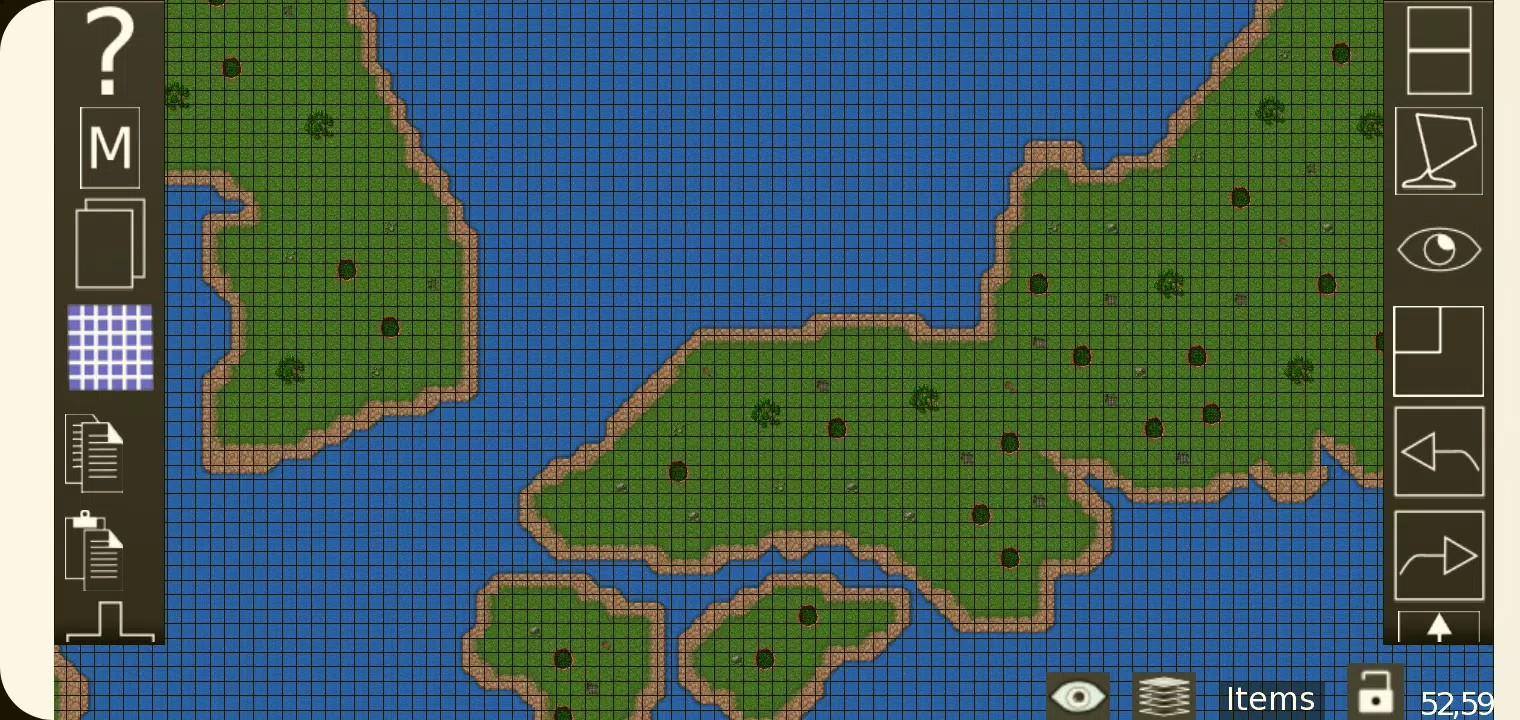
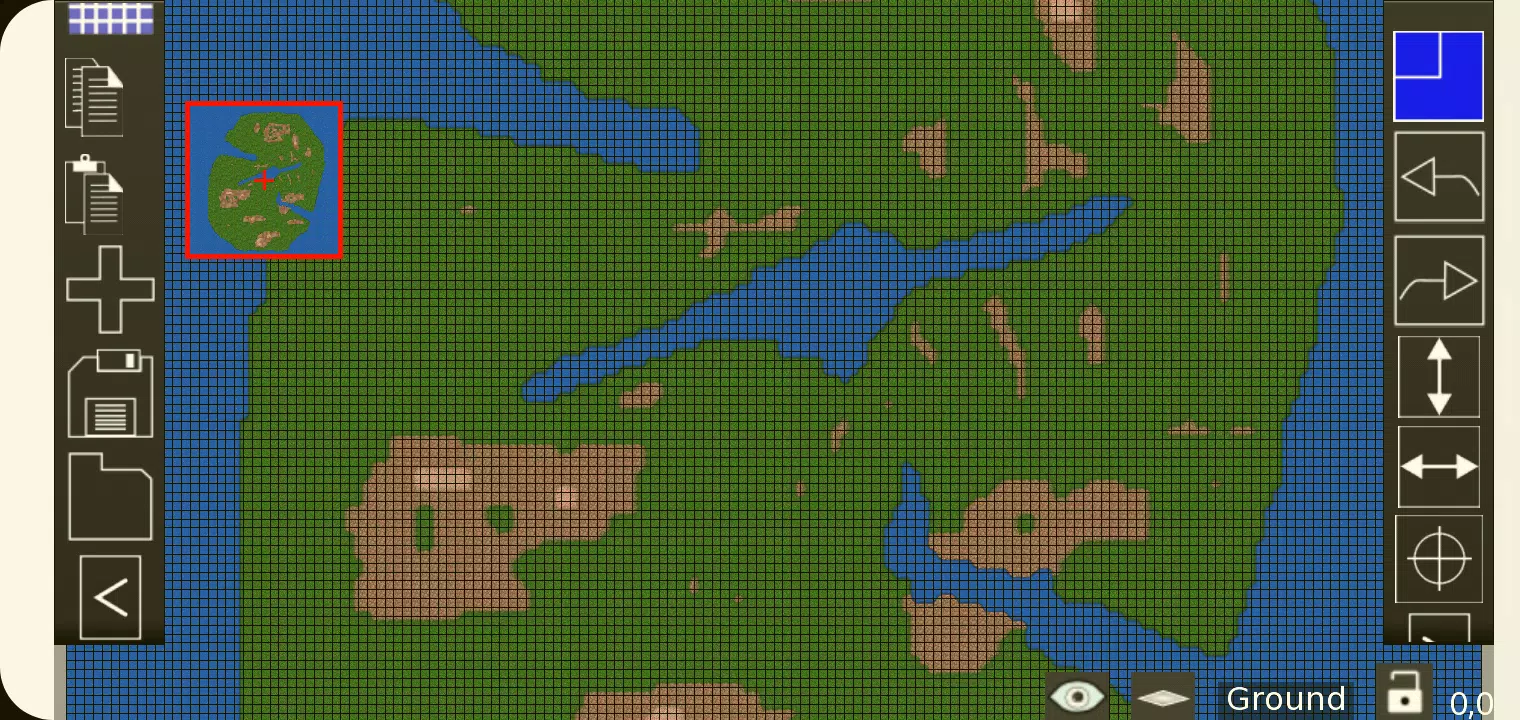
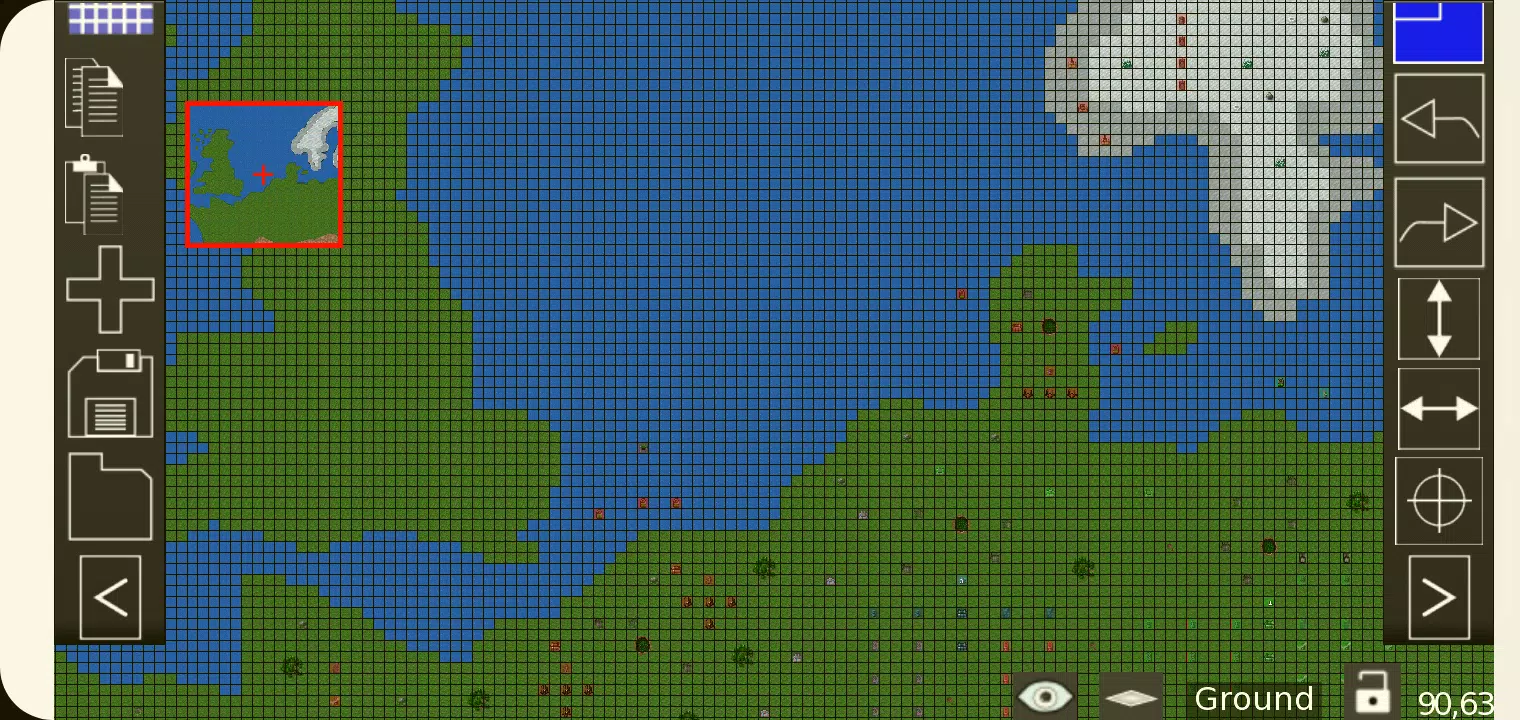
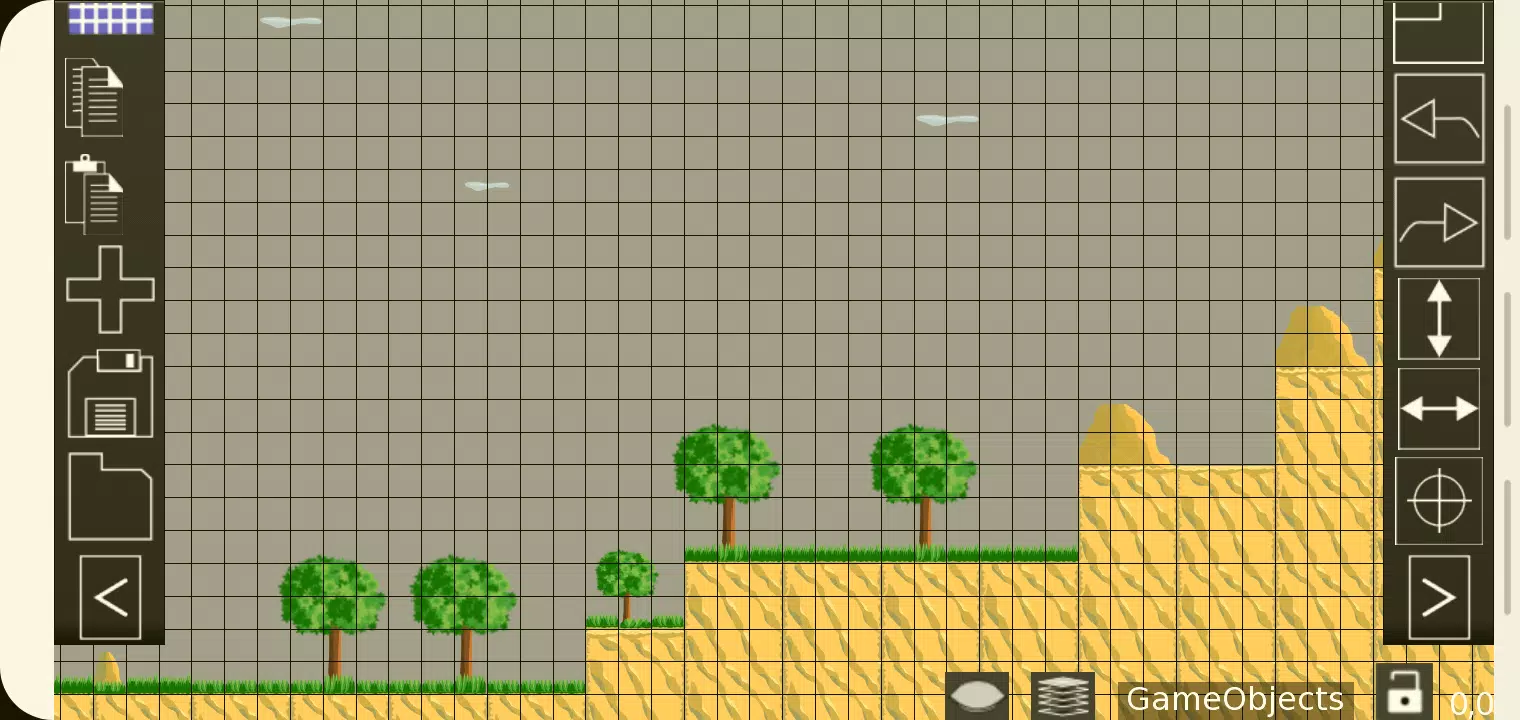
Reviews
Post Comments
Derniers articles
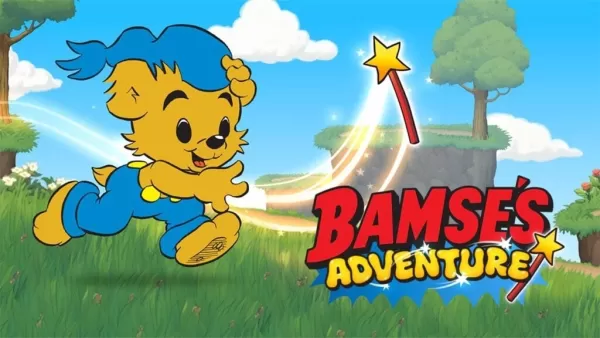
L'Aventure de Bamse : Le Mystère de la Baguette, un nouveau jeu éducatif de plateforme basé sur le dessin animé suédois populaire
Après avoir captivé les jeunes joueurs à travers la Suède, Bamse’s Adventure: The Wand Mystery s’est étendu au monde entier avec sa sortie en anglais. Publié par Gro Play, connu pour des titres de type puzzle tels que la série Alfie Atkins et The Jer

Call of Duty Mobile Saison 8 : Twilight Heights apporte de nouvelles armes, événements et récompenses
La saison 8 : Twilight Heist introduire le fusil d'assaut RAM-7 et la Charge de perçageLe Festival des Classements et les événements saisonniers offrent de nouvelles opportunités pour gagner des peaux d'Opérateur et des plansLe Passe de combat débloq
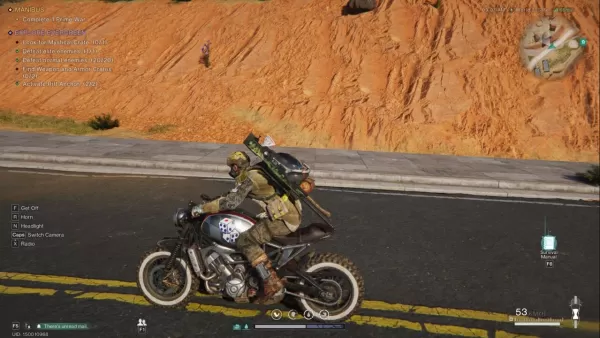
Once Human - Guide des véhicules : comment débloquer, entretenir et améliorer votre voiture
L’univers sandbox de survie post-apocalyptique d’Once Human est impitoyable, mais débloquer votre premier véhicule rend la navigation dans le chaos considérablement plus aisée. Ce MMO combine la construction de bases, des menaces cosmiques et une fau

Le studio de Baldur's Gate 3 s'attaque à son nouveau projet
Points clés
À la suite du triomphe de Baldur's Gate 3, Larian Studios se tourne vers la création d'une nouvelle expérience RPG.
BG3 recevra des mises à jour minimales à l'avenir, le correctif 8 apportant certaines améliorations.
Le studio reste disc

Mots de 5 lettres avec VO au milieu et se terminant par T - Indice Wordle - Essai de guides
Découvrez une variété de mots de cinq lettres contenant « VO » au milieu et se terminant par « T », parfaits pour les jeux de mots ou les énigmes. Nous vous aidons à réduire les options afin de trouver la bonne réponse pour n’importe quel jeu auquel

Les nouveaux casques Sony WH-1000XM6 à réduction de bruit affichent leur prix le plus bas jamais atteint
Les derniers casques sans fil à réduction de bruit haut de gamme de Sony, les Sony WH-1000XM6, ont atteint leur prix le plus bas de l'année. Dans le cadre de sa vente du Jour des travailleurs, Adorama les propose à seulement 379 $ après application d
Applications semblables à TMEditor

Marcella Matteoni
Conception d'art丨12.0 MB


Biennale
Conception d'art丨60.4 MB

Dark Mode
Conception d'art丨22.2 MB



Musei Italiani
Conception d'art丨53.1 MB
Dernières applications


I Testardi
La vie à la mode丨4.30M



Supertrack
Auto et véhicules丨26.2 MB

SB Game Hacker
Outils丨1.15M

TERROR CLOUD
Outils丨73.1 MB

XJ21
La vie à la mode丨24.20M

Парк Дублон
Auto et véhicules丨20.5 MB
Applications tendance
Plus +









Meilleures nouvelles
Plus +


01
02-03
Roblox: codes d'aventures anime (janvier 2025)
Codes d'aventures animées: un guide complet des joyaux et des récompenses gratuits
Ce guide fournit une liste à jour des codes d'aventures animées de travail et expirés dans Roblox. L'échange de ces codes accorde de précieux joyaux dans le jeu et autres récompenses, vous donnant une longueur d'avance dans votre aventure.
Mis à jour le 5 janvier,
02
05-26
Améliorez votre expérience immortelle MU avec les fonctionnalités Bluestacks
Mu Immortal capture l'essence du gameplay classique de MMORPG que les fans adorent - développant, améliorant les statistiques et fabriquant votre personnage idéal. Conçu principalement pour le mobile, le jeu brille vraiment lorsqu'il est joué sur un PC à l'aide de Bluestacks, grâce à un éventail d'outils qui rationalisent et améliorent votre jeu
03
04-21
Roblox Anime Genesis: codes de janvier 2025
Plongez dans le monde passionnant de l'anime Genesis, un jeu de défense de tour dynamique sur Roblox où vous assemblez une équipe de vos personnages d'anime préférés pour repousser les monstres menaçants. Que vous vous attaquiez à des niveaux en solo ou que vous vous équipez avec des amis, vous gagnerez des gemmes que vous pouvez utiliser pour invoquer de nouveaux héros, E
04
05-16
"Clair Obscur: Expedition 33 touche 1 million de ventes en 3 jours"
Clair Obscur: Expedition 33 a pris d'assaut le monde du jeu, réalisant un week-end d'ouverture phénoménal en se vendant plus d'un million d'exemplaires trois jours seulement après son lancement. Cet exploit remarquable cimente son statut de jeu le plus élevé des joueurs du début 2025. Plongez plus profondément dans le voyage de ce Grou
05
05-15
Stardew Valley 2 considéré, mais plus facile à étendre le jeu original
Eric "Concernelape" Barone, le cerveau derrière la bien-aimée vallée de Stardew, a laissé entendre la possibilité de développer une suite, provisoirement intitulée "Stardew Valley 2". Dans une interview engageante avec Tigerbelly, Barone a exprimé que bien que l'idée d'une suite soit tentante, il est beaucoup plus simple à expanner
Sujets
Plus +


