

Descripción de la aplicación
It looks like you've shared a detailed description of TMEditor, a 2D game map editor, likely intended for use in game development workflows. Here's a clean, professional summary and enhancement of your content—ideal for use on a website, documentation page, or release announcement:
TMEditor – A Free, Powerful 2D Map Editor for Game Development
TMEditor is a free, open-featured map editor built specifically for 2D game developers. Designed with flexibility and ease of use in mind, it enables creators to build rich, interactive game worlds with precision. All map data is exported in the widely adopted .tmx format, ensuring seamless integration with popular game engines like Godot, Unity, Phaser, and Tiled.
Whether you're designing platformers, RPGs, or puzzle games, TMEditor gives you full control over map structure, layout, and metadata.
🛠 How to Use TMEditor (Step-by-Step)
Creating a game map with TMEditor is simple and intuitive:
-
Set Map Dimensions & Tile Size
Define your map’s width, height, and base tile size (e.g., 32×32 pixels). -
Import Tilesets
Load your sprite sheets or image files as tilesets. Supports multiple tilesets per map. -
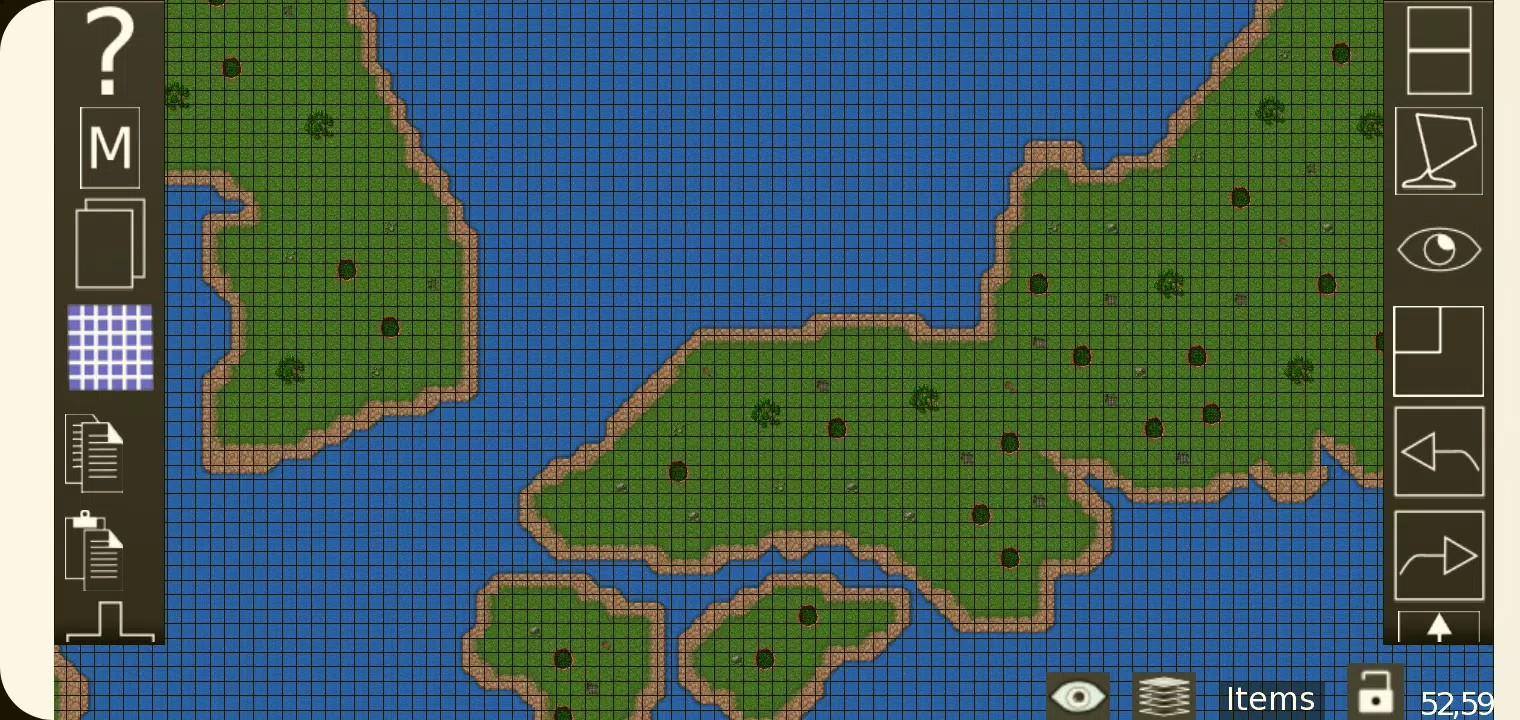
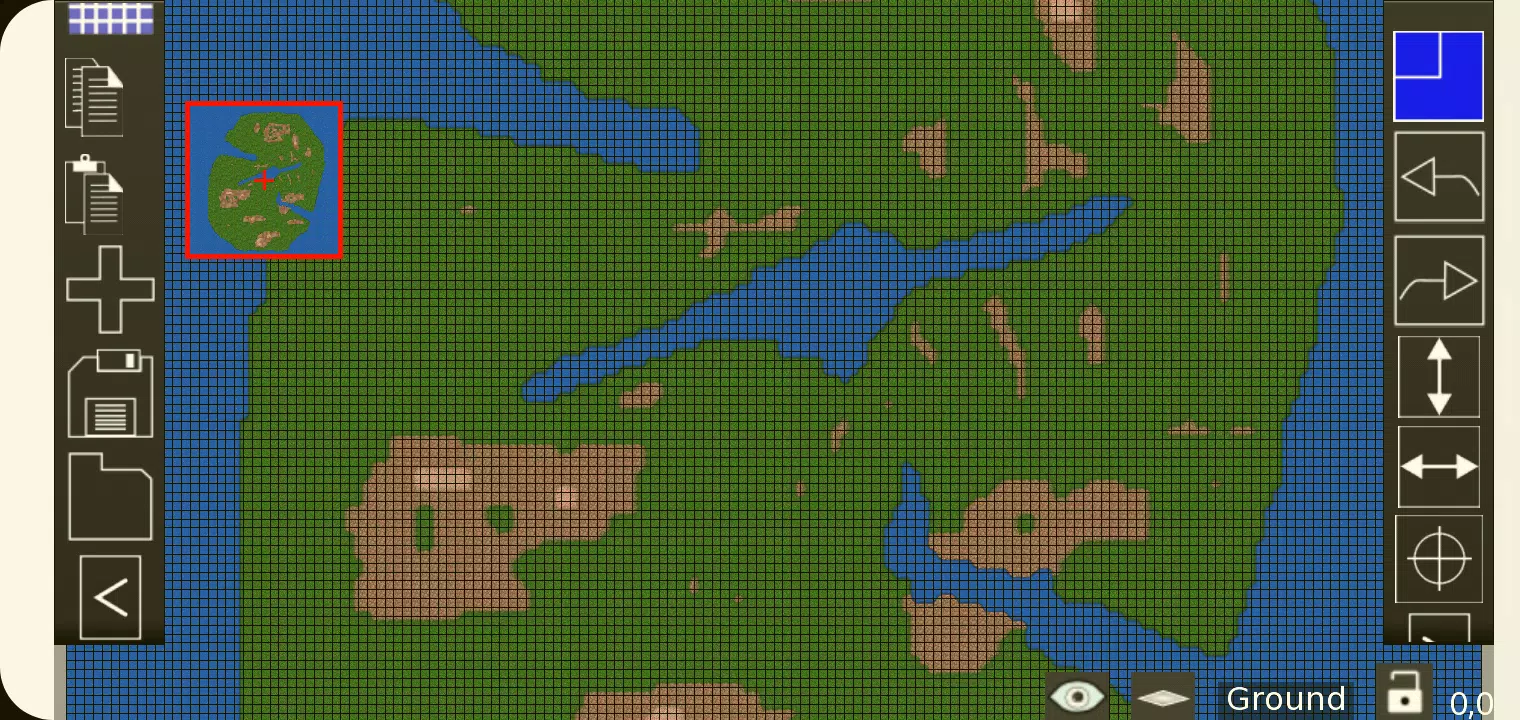
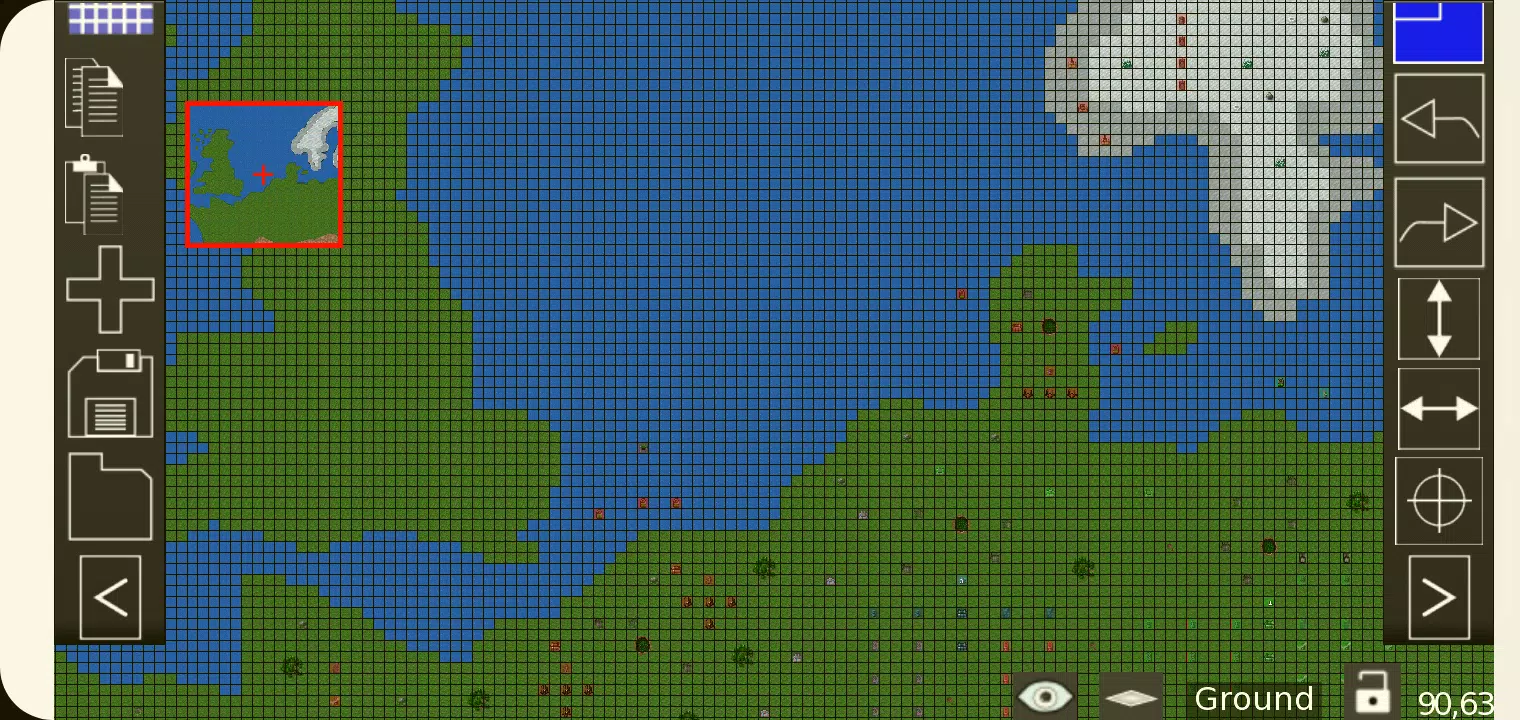
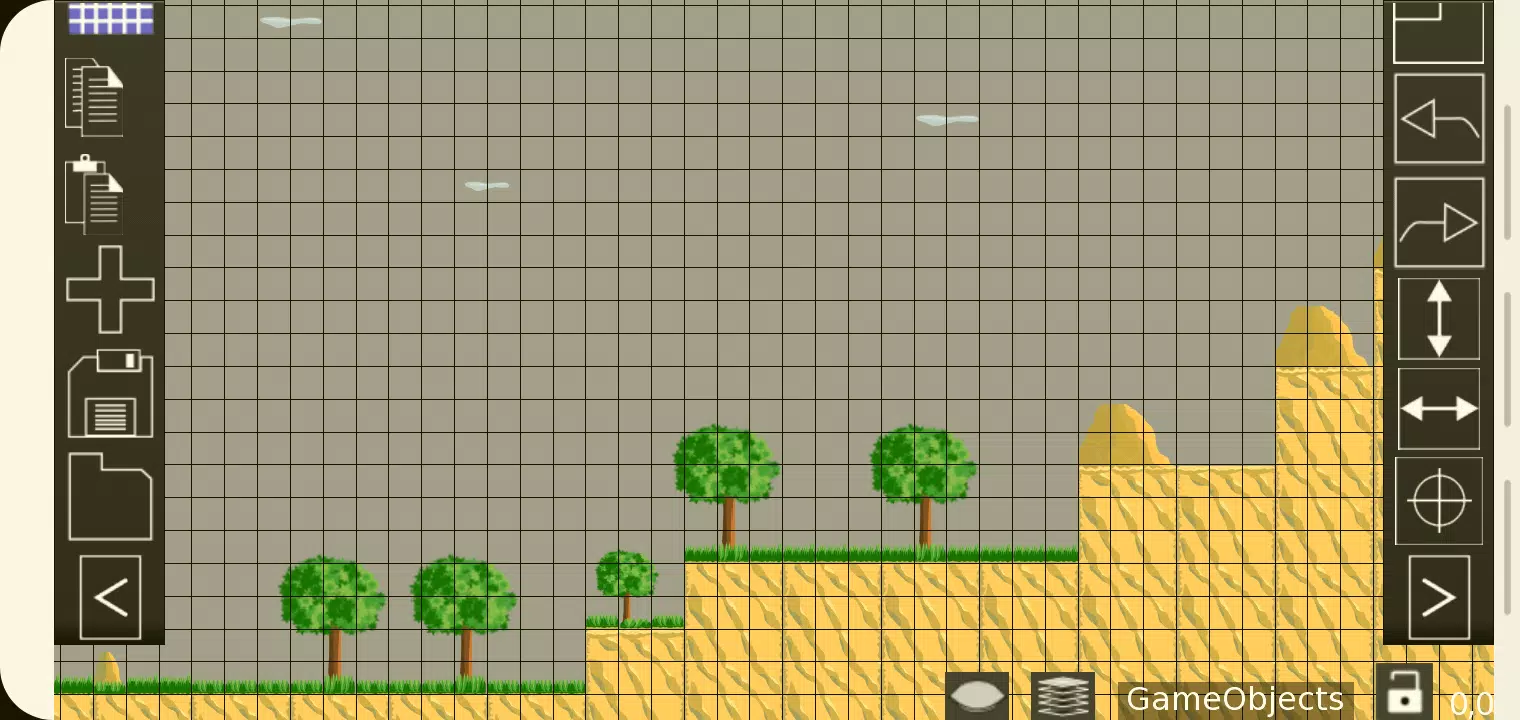
Paint Your World
Use the brush tools to place tiles across your map. Choose from:- Stamp Tool – Paint tiles freely
- Rectangle Tool – Fill areas quickly
- Copy/Paste – Duplicate sections effortlessly
-
Add Custom Objects
Place non-visual elements such as:- Enemy spawn points
- Trigger zones
- Item pickups
- Player start positions
Supports 7 object types: Rectangle, Ellipse, Point, Polygon, Polyline, Text, and Image.
-
Organize with Layers
Work across up to 8 layers for terrain, obstacles, UI, and logic—perfect for complex level design. -
Assign Custom Properties
Add metadata to maps, layers, and objects (e.g.,enemy_type=slime,is_solid=true) for runtime use. -
Export Your Map
Save your map in multiple formats:- XML (human-readable, standard)
- CSV, Base64, Base64-Gzip, Base64-Zlib
- PNG (for image-only export)
- Replica Island (level.bin) – for legacy compatibility
-
Integrate into Your Game Engine
Import the.tmxfile into your game engine and parse the data to power gameplay logic.
✨ Key Features
-
📐 Orthogonal & Isometric Map Support
Create both traditional 2D and diagonal isometric maps with ease. -
🖼️ Multiple Tilesets
Combine several tilesets in one map, ideal for diverse biomes or art styles. -
🎯 Object Layers
Separate gameplay logic from visuals using dedicated object layers. -
🖌️ Multi-Layer Editing (Up to 8 Layers)
Add depth and complexity to your levels—perfect for parallax backgrounds, collision, and triggers. -
🔍 Custom Properties
Attach key-value pairs to any element for dynamic behavior in-game. -
✂️ Essential Tools
Includes stamping, rectangle fill, copy/paste, and more. -
🔁 Tile Flipping & Rotation
Flip tiles horizontally, vertically, or diagonally for variety. -
🔄 Undo & Redo
Supports undo/redo for tile and object placement (work-in-progress feature). -
🖼️ Background Images
Add full-image backgrounds behind your tile layers. -
🌍 Export Flexibility
Choose from 6 export formats to match your engine’s needs. -
🧩 Isometric Object Placement
Precise placement of objects in isometric mode with snap alignment.
📦 Latest Release: Version 1.0.27
📅 Last Updated: October 4, 2024
This release includes:
- Critical bug fixes
- Improved stability and performance
- Enhanced tile rendering reliability
- Better handling of large maps and complex tilesets
🚀 Note: TMEditor is continuously improved—check the official repository (or your source link) for updates, plugins, and community support.
🎮 Why Use TMEditor?
- Free and open-source – No cost, no restrictions.
- Standard .tmx format – Works with all major game engines and tools.
- Lightweight & fast – No bloated UI, optimized for productivity.
- Perfect for indie devs and studios alike – From solo creators to small teams.
🔗 Get Started Today
👉 Download TMEditor: https://www.tmeditor.com/download
📘 Learn More: https://docs.tmeditor.com
💬 Join the Community: Discord | GitHub Issues
Build great worlds. Code smarter. Play forever.
— TMEditor, the map editor made for creators.
Let me know if you'd like a version of this in Markdown, HTML, or as a GitHub README!
Captura de pantalla
Reviews
Post Comments
Últimos artículos

El portátil gaming Acer Predator Helios Neo de 16 pulgadas con OLED y RTX 5070 Ti baja a 1.450 dólares
Best Buy está presentando una fantástica oferta navideña en una laptop de juegos de alto rendimiento. Hasta el domingo, los compradores pueden asegurar la Acer Predator Helios Neo 16s con una GPU RTX 5070 Ti por solo $1,449.99, con envío gratuito. Es
Detalles del lanzamiento de Resident Evil: Survival Unit
Cronología del anuncioRevelación oficial: 10 de julio de 2025Capcom colaboró con Aniplex y JOYCITY para presentar Resident Evil Survival Unit durante una transmisión en vivo especial. Esta nueva entrega amplía la icónica franquicia de terror de super
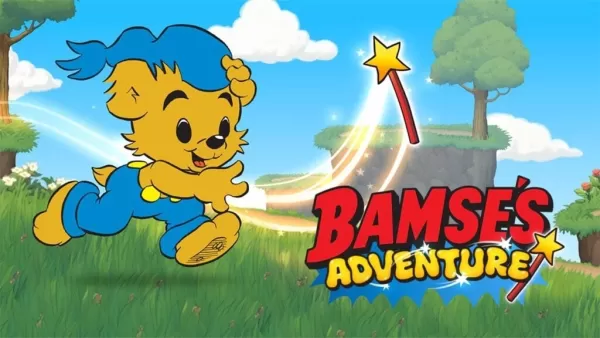
La aventura de Bamse: El misterio de la varita es un nuevo juego educativo basado en la popular serie animada sueca
Tras cautivar a los jóvenes jugadores en toda Suecia, La aventura de Bamse: El misterio de la varita se ha expandido a nivel mundial con su lanzamiento en inglés. Publicado por Gro Play, conocida por títulos de puzles como la serie Alfie Atkins y La
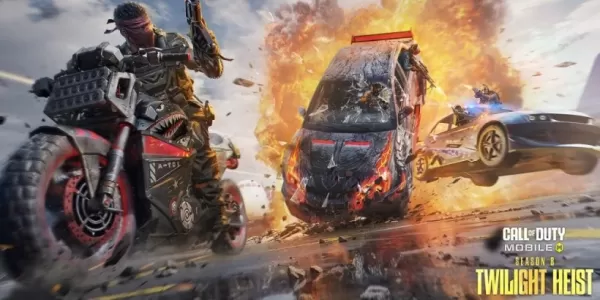
Call of Duty Mobile Temporada 8: Twilight Heights añade nuevas armas, eventos y recompensas
La Temporada 8: Asalto al Crepúsculo presenta el Rifle de Asalto RAM-7 y la Carga de PerforaciónEl Festival Clasificado y los eventos estacionales ofrecen nuevas oportunidades para ganar pieles de Operador y planosEl Pase de Batilla desbloquea Mace —
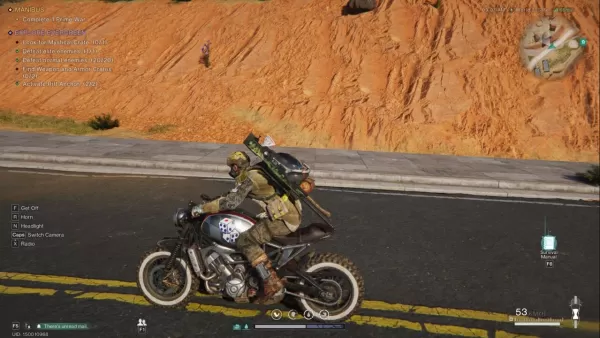
Once Human: Guía de vehículos: Cómo desbloquear, mantener y mejorar tu transporte
El sandbox de supervivencia postapocalíptico de Once Human es implacable, pero desbloquear tu primer vehículo facilita significativamente la navegación por el caos. Este MMO combina la construcción de bases, amenazas cósmicas y fauna mutada en entorn

El estudio de Baldur's Gate 3 inicia un nuevo proyecto
Aspectos destacados
Tras el triunfo de Baldur's Gate 3, Larian Studios se centra en crear una nueva experiencia de RPG.
BG3 recibirá actualizaciones mínimas de aquí en adelante, con la versión 8 aportando ciertas mejoras.
El estudio mantiene el secr
Aplicaciones como TMEditor
Marcella Matteoni
Diseño artístico丨12.0 MB


Biennale
Diseño artístico丨60.4 MB

Dark Mode
Diseño artístico丨22.2 MB



Musei Italiani
Diseño artístico丨53.1 MB
Últimas aplicaciones


I Testardi
Vida de moda丨4.30M



Supertrack
Autos y vehículos丨26.2 MB

SB Game Hacker
Herramientas丨1.15M

TERROR CLOUD
Herramientas丨73.1 MB

XJ21
Vida de moda丨24.20M

Парк Дублон
Autos y vehículos丨20.5 MB
Aplicaciones de moda
Más +









Noticias principales
Más +


01
02-03
Roblox: Códigos de aventuras de anime (enero de 2025)
Códigos de aventuras de anime: una guía completa de gemas y recompensas gratuitas
Esta guía proporciona una lista actualizada de códigos de aventuras de anime de trabajo y trabajo en Roblox. Redimir estos códigos otorga valiosas gemas en el juego y otras recompensas, dándote una ventaja en tu aventura.
Actualizado el 5 de enero,
02
05-26
Mejore su experiencia inmortal MU con las características de BlueStacks
MU Immortal captura la esencia del juego clásico de MMORPG que los fanáticos adoran, aliviarse, mejorar las estadísticas y elaborar tu personaje ideal. Diseñado principalmente para dispositivos móviles, el juego realmente brilla cuando se juega en una PC usando Bluestacks, gracias a una variedad de herramientas que racionalizan y mejoran sus juegos
03
04-21
Roblox Anime Génesis: Códigos de enero de 2025
Sumérgete en el emocionante mundo del Anime Genesis, un juego dinámico de defensa de la torre en Roblox, donde reúnes un escuadrón de tus personajes de anime favoritos para defenderse de los monstruos amenazantes. Ya sea que esté abordando los niveles en solitario o que se asocie con amigos, ganará gemas que puede usar para convocar a nuevos héroes, E
04
05-16
"Clair Obscur: Expedition 33 golpea 1 millón de ventas en 3 días"
Clair Obscur: Expedition 33 ha tomado el mundo de los juegos por asalto, logrando un fenomenal fin de semana de apertura vendiendo más de 1 millón de copias solo tres días después de su lanzamiento. Esta notable hazaña consigue su estado como el juego más alto con calificación de jugadores de principios de 2025. Sumérgete más profundamente en el viaje de este Grou
05
05-15
Stardew Valley 2 considerado, pero más fácil de expandir el juego original
Eric "preocupado" Barone, el autor intelectual detrás del querido valle de Stardew, ha insinuado la posibilidad de desarrollar una secuela, tentativamente titulada "Stardew Valley 2". En una entrevista atractiva con Tigerbelly, Barone expresó que si bien la idea de una secuela es tentadora, es mucho más simple de expansión
Temas
Más +


