
應用說明
Easy Drawing and Painting App
Pofi Brush is a mobile art tool for creators and artists to enjoy a premium painting experience and unleash their creativity.
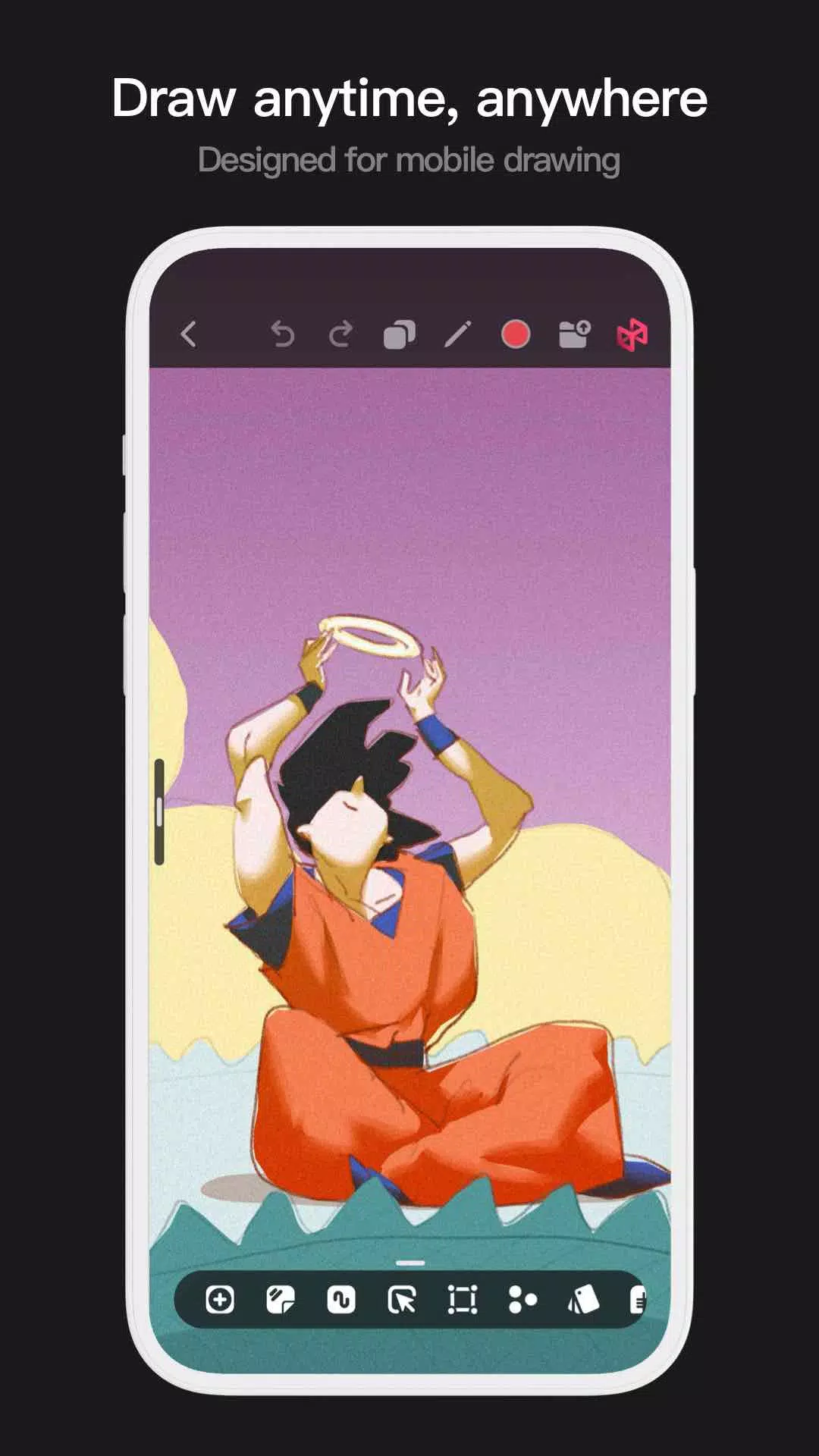
Pofi Brush offers dozens of beautifully crafted brushes, a full-featured layer and color toolkit, an elegant and intuitive interface, and a smooth, powerful 2D Artistic Engine for a complete digital studio on the go. All features and materials are free. Whether you’re a beginner or a pro, Pofi Brush helps you create stunning sketches, illustrations, comics, and cartoons on your phone or tablet, so you can easily express your creative ideas anytime, anywhere.
Powerful 2D Artistic Engine
The advanced 2D Artistic Engine is developed by the Pofi team, optimized for 64-bit multi-core processors. It’s cross-platform, supports large HD canvases and multiple layers, and is fine-tuned for smooth performance to deliver the best painting experience.
- Canvas sizes up to 4K × 4K for clear, lifelike artwork.
- A streamlined interface designed for mobile painting.
- Optimized for 64-bit multicore processors for smooth, lag‑free drawing.
- Use an electronic pen for realistic, low‑latency strokes.
- Auto‑save and save‑on‑exit functionality.
- All features work seamlessly on phones and tablets.
Professional Brush Editor
Pofi Brush comes with dozens of versatile creative brushes, each with over 40 customizable settings. Adjust the brush editor to match your style and project needs, or design your own custom brushes for truly personalized art.
- Built‑in collection of well‑designed brushes for sketching, inking, texturing, art effects, and specialty uses.
- Each brush features three modes: Brush, Eraser, and Smudge.
- Over 40 adjustable settings per brush, plus a library of preset tip shapes and textures.
- Organize, sort, and group brushes for easy management.
- Anti‑flutter stroke settings give your lines better flow and stability.
- Finger‑painting mode simulates pressure, letting you paint with finger precision as fine as a real brush.
- Full support for electronic pens, utilizing tilt, pressure, and speed for an authentic brush feel.
Advanced Multi‑layer System
Pofi Brush includes a robust layer system with grouping, effects, and adjustment controls for precise layer management and stunning artwork creation.
- Quickly preview and locate layers with the Layer Preview feature.
- Drag‑and‑drop to group, merge, or delete multiple layers for easy organization.
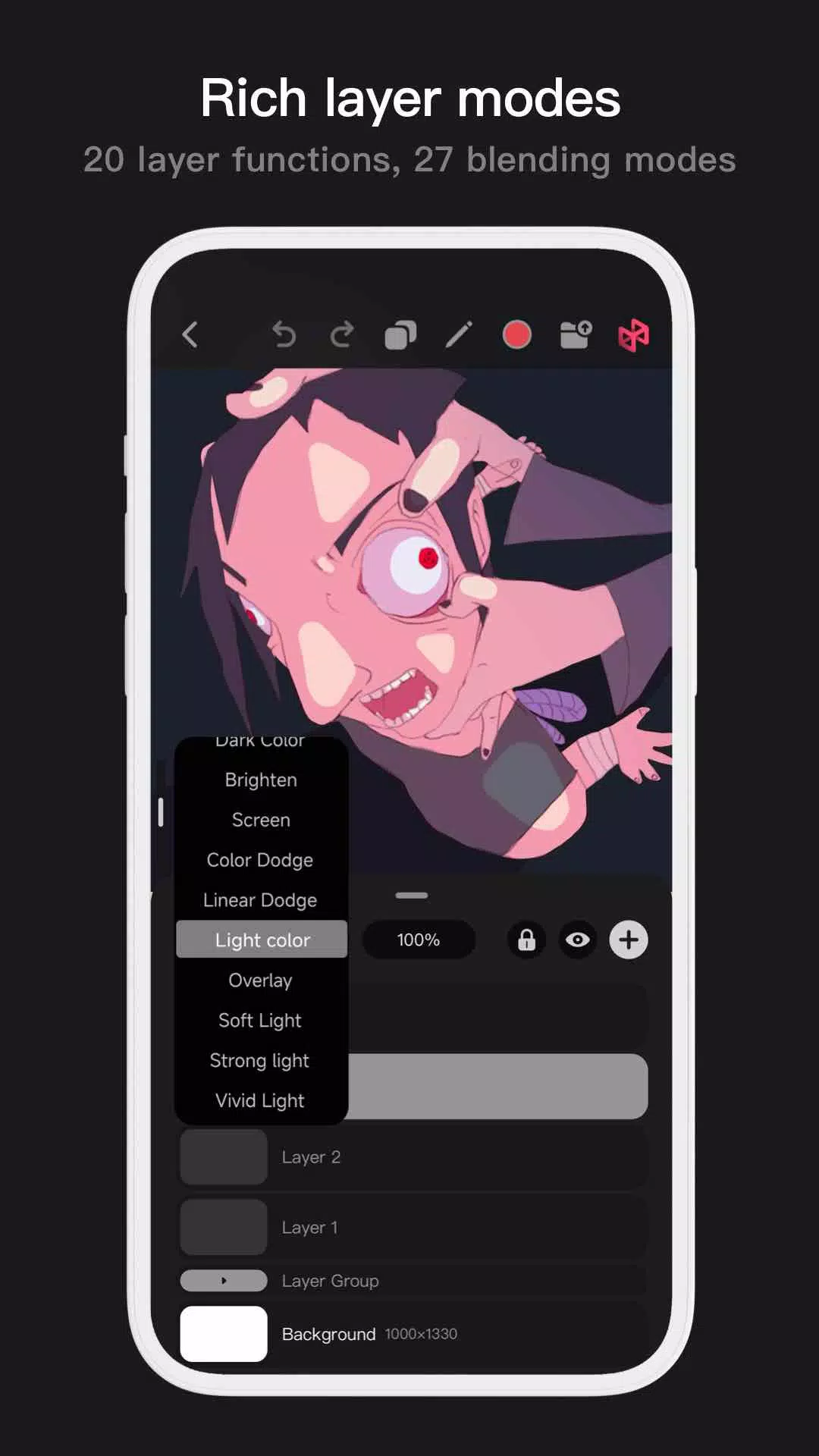
- 20 layer functions: drag sorting, show/hide, lock/unlock, opacity, multi‑select, grouping/ungrouping, and more.
- 27 layer blending modes: Standard, Darken, Multiply, Color Burn, Linear Burn, Lighten, Screen, Color Dodge, Linear Dodge, Overlay, Soft Light, Hard Light, and others.
Full‑featured Color Tools
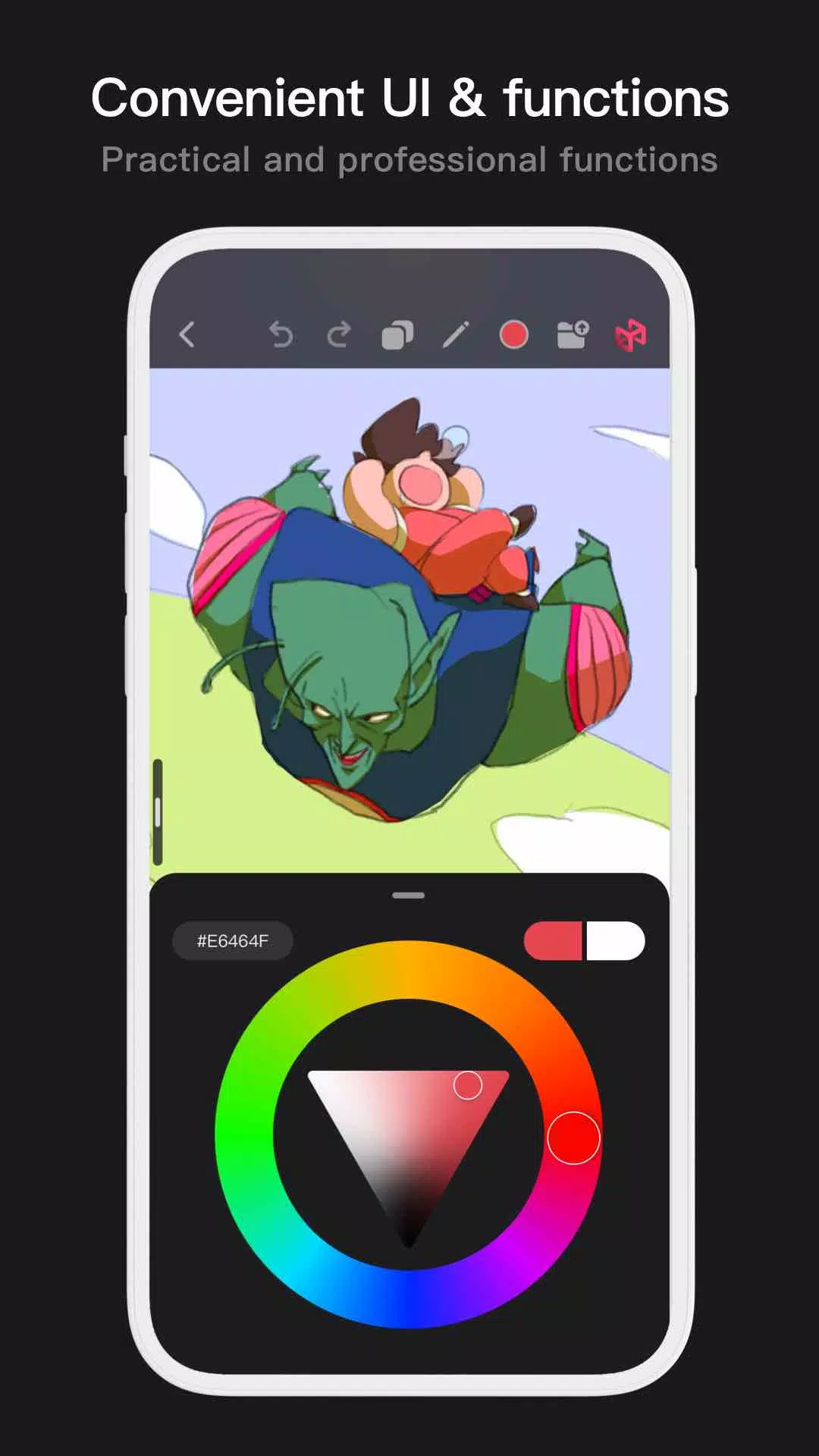
Offers a variety of color tool panels and styles to help painters easily and quickly find the exact colors they need.
- 4 color panels: circular color wheel, square palette, HSB numeric values, and grouped color swatches.
- 2 color‑picking methods: enter hex codes or long‑press to sample colors.
- 6 swatch functions: group swatches, rename groups, sort groups, sort swatches, overlay colors, and delete swatches.
More Highlights
- Phone interface supports half‑screen and full‑screen expanded views.
- Tablet interface supports large‑screen expansion and small‑window drag‑and‑drop.
- Rotate and zoom the canvas freely.
- Auto‑archive and resume‑on‑return.
- Export images as PNG or JPG files.
If you have any questions or feedback while using Pofi Brush, feel free to contact us at [email protected].
Privacy : https://brush.pofiapp.com/agreement/privacy
螢幕截圖

Reviews
Post Comments
最新文章
“Having a bun in the oven” 7個小字答案 - 努力指南
我們找到了“Having a bun in the oven”這個填字遊戲線索的8個字母的答案,該線索出現在2026年5月31日的《7個小字》謎題中。這個答案將幫助你完成你正在解決的謎題。“Having a bun in the oven”《7個小字》的答案是……↓. ???????? 點選/輕觸 ? 方塊以顯示一個字母。在下方找到更多線索、提示和資訊。隱藏 啟用提示 點選/輕觸 ? 方塊以顯示一個字母。在下方找到更多線索、提示和資訊。相關《7個小字》答案線索 硬漢角色的牢籠 習慣變得過於僵化
Spin Rhythm XD 讓你透過快節奏的轉盤機制實現 DJ 夢想
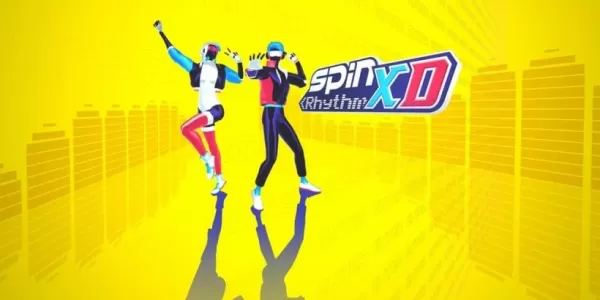
Crunchyroll Game Vault 正在擴充套件,帶來獨家作品 Spin Rhythm XD旋轉你的牌組而非點選,收錄超過 70 首獨立熱門曲目最多可與四名本地玩家一起演奏,或連線真實的 MIDI 唱機進行遊戲!在所有移動訂閱遊戲服務中,Crunchyroll Game Vault 正迅速成為最多樣化且最具樂趣的服務之一。其最新即將推出的作品也毫不例外——Spin Rhythm XD 是近年來讓我印象最為新鮮且富有創意的節奏益智遊戲之一。Spin Rhythm XD 的核心理念一目
《不朽者復仇》裝備指南:裝備型別、升級與戰力提升
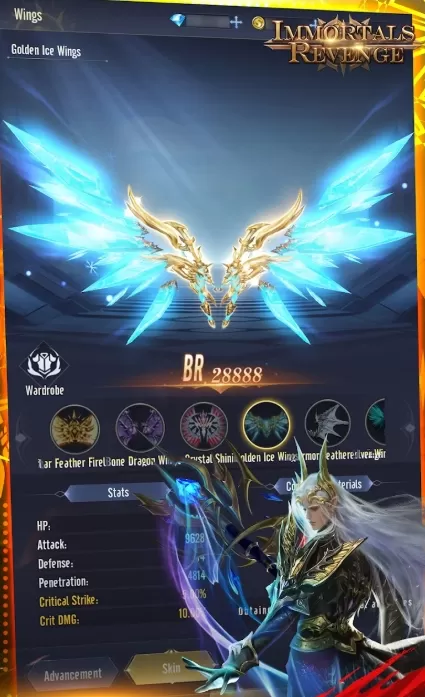
《Immortals Revenge》是一款受神話啟發的MMORPG,將快節奏的動作戰鬥與經典角色扮演成長系統相結合。裝備是《Immortals Revenge》玩法的核心基石,直接影響你的戰鬥力、生存能力和整體進度。儘早掌握裝備機制有助於避免資源浪費,並確保在劇情關卡、副本和後期遊戲模式中更順暢地推進。本指南詳細解析裝備型別、品質等級、強化系統以及智慧升級優先順序,幫助你高效提升實力。裝備槽位與裝備型別在《Immortals Revenge》中,每個角色可以裝備多件裝備,共同決定其屬性和戰鬥效
碧藍航線裝備等級指南
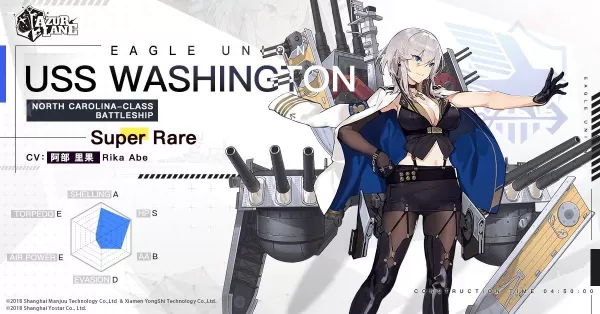
在《碧藍航線》中,最容易被忽視卻至關重要的系統之一就是裝備管理。雖然指揮官們往往專注於收集和提升艦船等級,但真正決定艦隊實戰表現的是裝備——包括主炮、魚雷、飛機和輔助單位。裝備得當的艦船甚至能超越那些等級更高但裝備不佳的對手。無論您是為激烈的PvP戰鬥、高風險的活動地圖,還是日常戰役刷圖做準備,最佳化裝備配置對於生存和成功都至關重要。裝備等級榜單可能令人望而生畏,尤其對新玩家而言。面對數百種裝備型別和變體,很容易陷入提升次優裝備或浪費資源的陷阱。本指南將幫助您理清頭緒。我們已按類別分解了表現最佳

CD Projekt RED 元老團隊打造全新 RPG《Blood of Dawnwalker》
由前 CD Projekt RED 開發人員創立的工作室 Rebel Wolves 舉辦了一場直播,全面展示了其團隊的首部作品 《黎明之血》(The Blood of Dawnwalker)。團隊釋出了該黑暗奇幻動作角色扮演遊戲的四分鐘電影預告片,並宣佈此片段為遊戲劇情的開端。《黎明之血》的故事背景設定在 14 世紀中葉的歐洲架空世界。在序章事件發生後,一名名叫科恩(Coen)的年輕男子獲得了超自然能力,必須從吸血鬼手中拯救他所愛的人。然而,他僅有 30 個晝夜來完成這一任務。儘管時間僅在特定

Hello Kitty島嶼冒險釋出日期與時間
探索由 Sunblink 開發的溫馨冒險生活模擬遊戲,現已登陸 Nintendo Switch!在下方瞭解其發行日期、定價和支援平臺的詳細資訊。Hello Kitty Island Adventure 發行日期和時間2025 年初登陸 Switch 和 PC!本作計劃於 2025 年初作為限時獨佔作品登陸 Nintendo Switch 和 PC,PlayStation 主機平臺將隨後加入!雖然具體的發行日期和時間尚未公佈,但請持續關注後續更新,以便獲取最新資訊。
Pofi Brush 等應用
AIO: AI Art & Photo Generator
藝術與設計丨80.7 MB
Marcella Matteoni
藝術與設計丨12.0 MB
AR Drawing: Sketch & Paint Art
藝術與設計丨86.1 MB

Plantillas Para Sublimar Tazas
藝術與設計丨40.6 MB




Gujarati Engagement Card Maker
藝術與設計丨58.4 MB

Musei Italiani
藝術與設計丨53.1 MB
最新應用



Supertrack
車輛與交通丨26.2 MB

SB Game Hacker
工具丨1.15M

TERROR CLOUD
工具丨73.1 MB


Парк Дублон
車輛與交通丨20.5 MB
Animal Posing
藝術與設計丨146.0 MB

Papercopy - Tracer
藝術與設計丨22.3 MB









熱門新聞
更多的 +

01
02-03
Roblox:動漫冒險代碼(2025年1月)
動漫冒險代碼:免費寶石和獎勵的綜合指南
本指南提供了Roblox中工作和過期的動漫冒險代碼的最新列表。 贖回這些代碼可以授予寶貴的遊戲中的寶石和其他獎勵,從而使您在冒險中取得了起步。
1月5日更新
02
05-26
增強您在BlueStacks功能的不朽體驗
MU不朽捕捉了粉絲們喜歡的經典MMORPG遊戲玩法的精髓 - 升級,增強統計數據並製作理想的角色。這款遊戲主要是為移動設備設計的,當時使用Bluestack在PC上播放時確實會發光
03
05-16
“克萊爾·默默德:探險隊33次在3天內達到100萬銷售”
克萊爾·伯德(Clair Obscur):Expedition 33席捲了遊戲界,在發布後僅三天就出售了超過100萬份,實現了一個驚人的開幕週末。這一非凡的壯舉鞏固了它作為2025年初玩家評價最高的遊戲的地位。
04
04-21
Roblox動漫創世紀:2025年1月代碼
深入研究動漫創世紀的激動人心的世界,這是在Roblox上充滿活力的塔防禦遊戲,您可以組裝一支自己喜歡的動漫角色,以抵禦險惡的怪物。無論您是獨自解決關卡還是與朋友合作,您都可以賺取可以用來召喚新英雄的寶石,E
05
01-20
FANTASIAN 的新 DLC 和預購
FANTASIAN Neo Dimension:DLC 和預購信息
雖然人們對額外內容的期待很高,但 FANTASIAN Neo Dimension DLC 或故事擴展不太可能出現。 《迷霧行者》的負責人阪口博信表示,他不喜歡續作,他的目標是獲得完整、獨立的遊戲體驗。