
アプリケーションの説明
A car dock app that simplifies listening to music and managing your phone while driving.
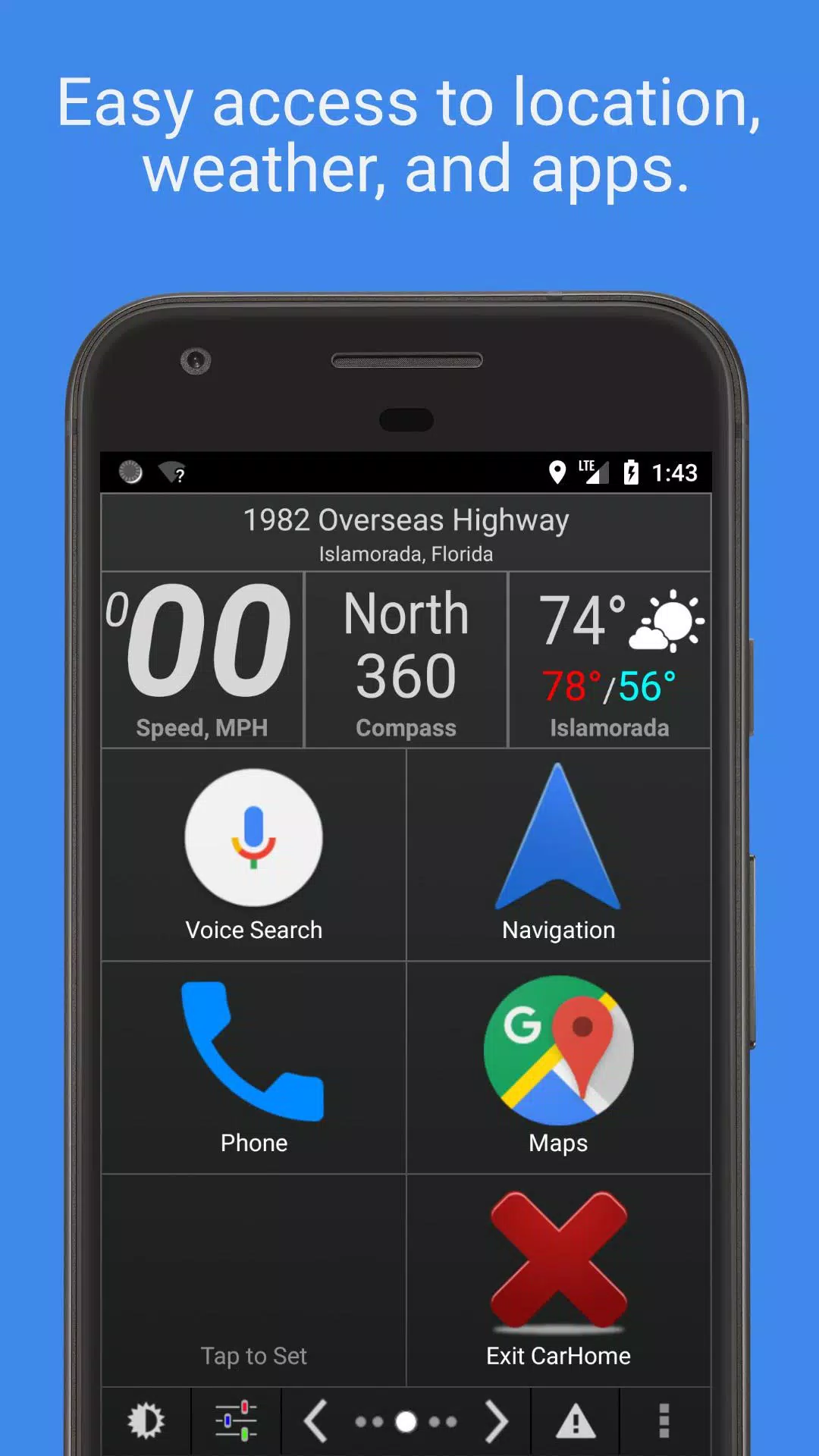
Car Home Ultra is a car dock application designed for easy phone management on the road.
It launches automatically when your car's Bluetooth is detected, and you can return to CHU anytime by tapping the home button or overlay button (see Settings → Startup Options).
Car Home Ultra includes numerous task automation features to configure your phone for car use. These include Auto Startup, Display Brightness control, volume adjustments, WiFi settings, and more.
Additional Features:
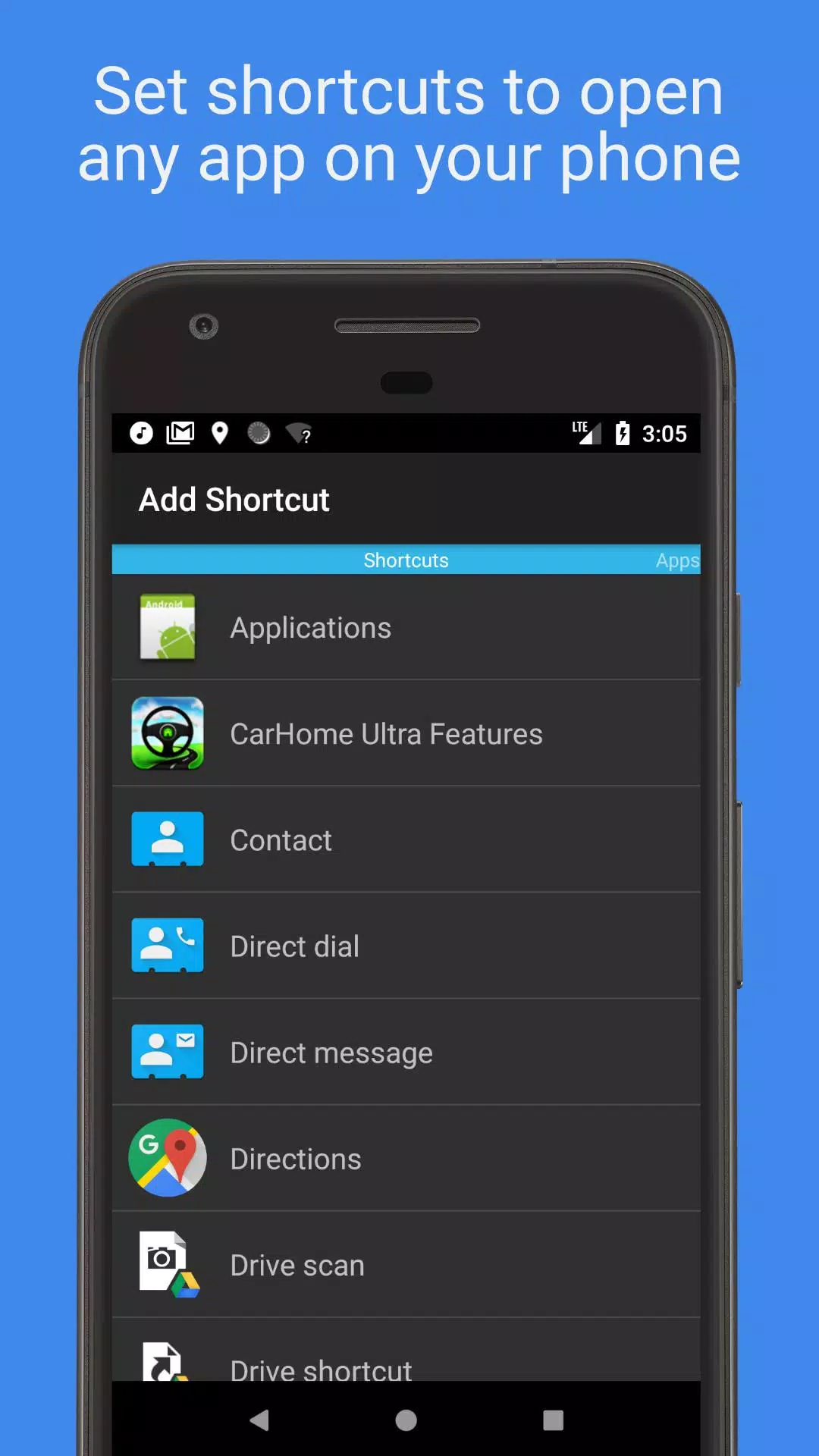
• Create unlimited custom shortcuts to launch apps, dial numbers, or navigate to specific locations.
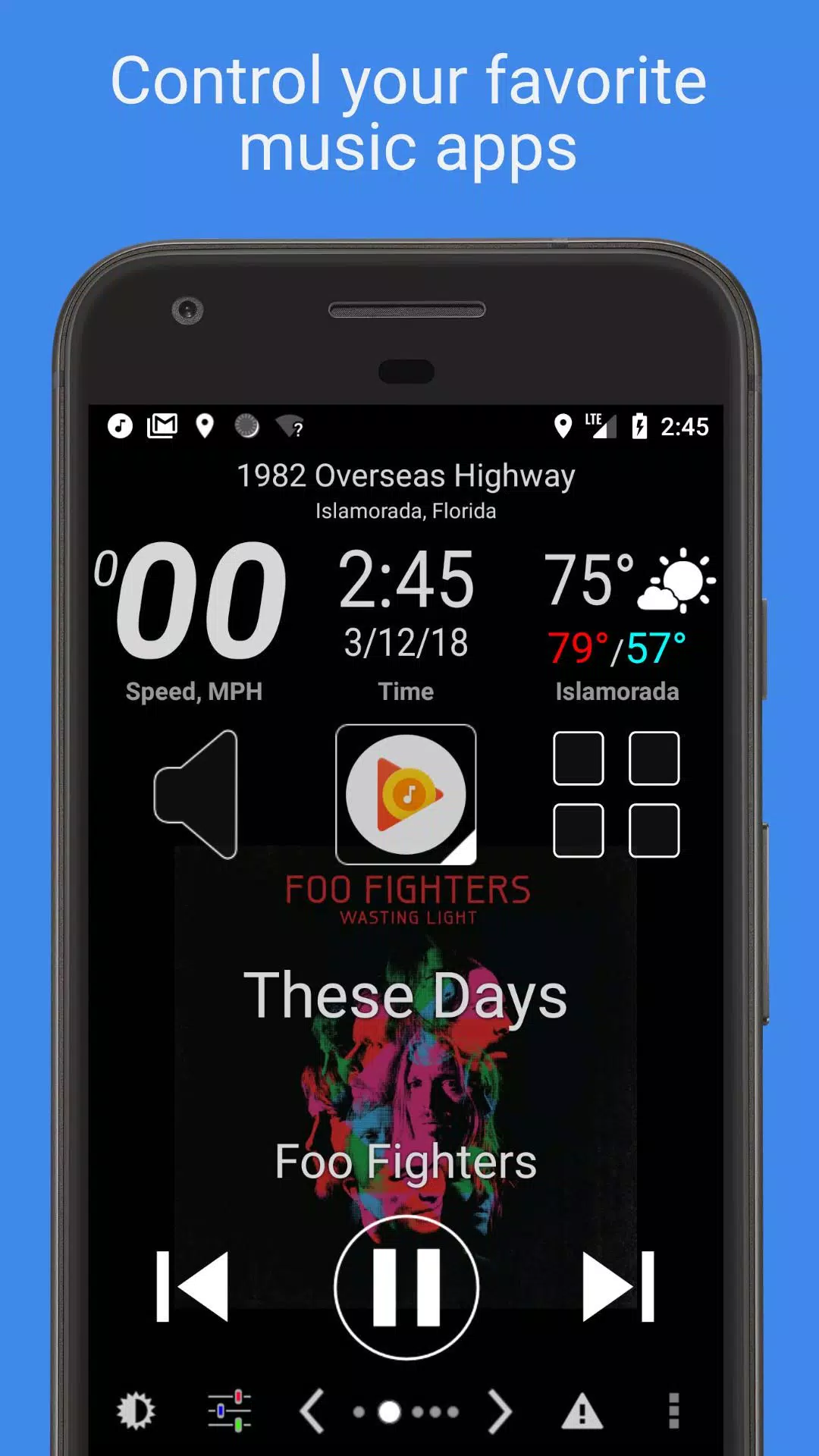
• Control any music or podcast app with large, easy-to-see media controller buttons.
• Stay informed with built-in data widgets showing speed, location, weather, altitude, and more.
• Choose from multiple skins and color schemes for hundreds of unique looks.
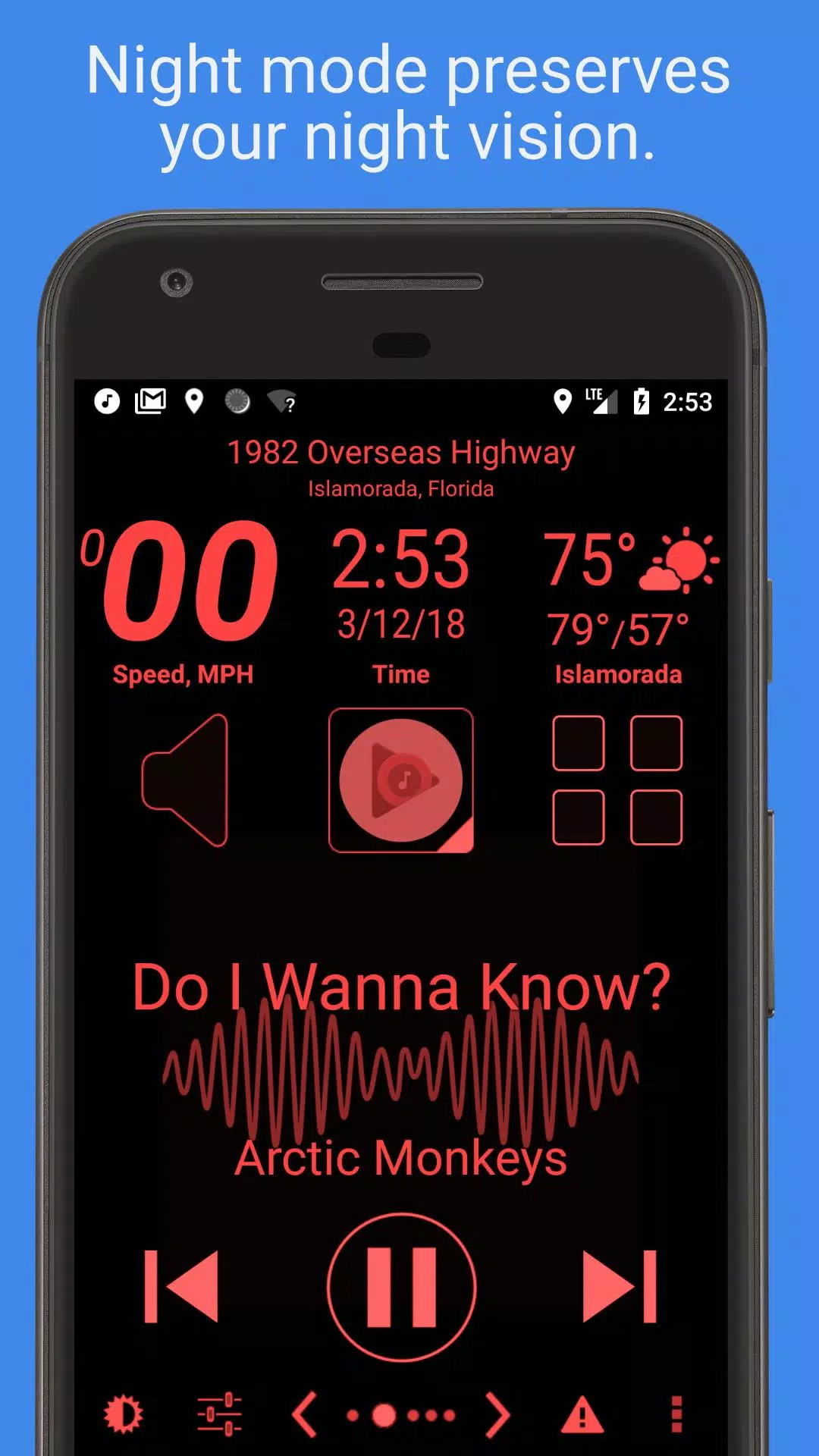
• Automatic Day and Night themes to protect your night vision.
• Automatic SMS replies help you focus on driving.
• Speed Alarm to prevent speeding tickets.
• Complete feature list provided below.
Mark the Geek: "CarHome Ultra for Android - The Perfect In-Car Dock App"
https://www.youtube.com/watch?v=9g-Aonh645Y
Android 4.2+ users can utilize Google Voice Commands for a hands-free experience. Details here: https://support.google.com/websearch/answer/6031948?hl=en
**This is a 30-day trial. If you enjoy the app, purchase the CarHome Ultra License for unlimited access.**
Data Widgets:
\- Speedometer (speaks when pressed)
\- Compass
\- Altimeter
\- Battery Meter
\- Clock
\- Current Weather Conditions (speaks when pressed)
\- Current Location (speaks when pressed)
Other Features:
\- Integrated Media Controller (Play/Pause, Next, Previous, Artist, Title)
\- Unlimited custom shortcuts
\- Location alerts
\- Custom Day/Night color themes
\- Multiple skins and color schemes
\- Auto Day/Night switching based on sunrise and sunset
\- Optional speakerphone mode when docked
\- Launches CarHome when Bluetooth connection is detected
\- Optional auto Bluetooth on with Car Mode
\- Optional auto Bluetooth off when exiting Car Mode
\- Optional auto Wi-Fi on/off with Car Mode
\- Displays speed in KPH or MPH
\- Displays temperature in Celsius or Fahrenheit
\- Full Screen Mode
\- Support for Icon Packs
\- Lock Screen Rotation (landscape, portrait, reverse landscape, reverse portrait)
\- Android 5 Material Design
\- Brightness and Display Mode Controls
\- Volume Controls
\- Tactile Button Feedback
\- Mute Alerts
\- 3 Page Types: 6-button, 8-button, and media controller
\- Sleep Mode: saves power and reduces overheating
\- Keep Display On until app exit
\- Stop music/media on exit
\- Partially inspired Android Auto (this is true)
HAVE AN ISSUE? Email us: [email protected]
App Permission Descriptions:
Device & App History – Required for the Media Controller to detect compatible media players.
Contacts/Calendar – Needed for direct dial shortcuts. Calendar is included with contact permissions.
Location – Required for GPS features like speedometer, compass, altimeter, and weather.
Phone – Required for Direct Dial shortcut functionality.
Photos/Media/Files – Required for Debug Log feature. Photos & Media are bundled permissions; the app does not use them.
Camera/Microphone – Microphone permission supports future voice features and current media visualization. Attaching to audio streams requires mic access. Camera permission is bundled but unused.
Wi-Fi Connection – Allows the app to enable/disable Wi-Fi.
スクリーンショット
Reviews
Post Comments
最新の記事
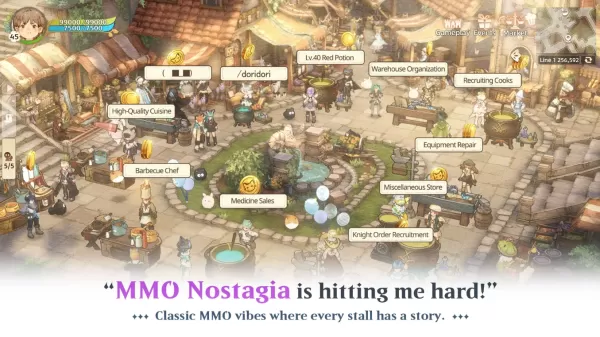
セーヴァー・オブ・ザ・ツリーNEOの攻略ヒントとコツで進捗を加速しよう
Tree・オブ・セイヴァー:NEO は、Neocraft Limited によって作り上げられた愛すべきフランチャイズの次の進化を象徴する作品です。古代の意識ある木々の下に位置するその世界は、魔法と冒険、そして仲間との絆で満ち溢れています。プレイヤーは5つの基本クラスの中から1つを選択し始めます。各クラスには第3ティアの専門スキルを通じて深いカスタマイズが可能で、ステルス性の高いローグから強力なヒーラー、あるいは壊れないタンクまで様々です。このガイドでは、適切に活用することで進行を大幅に加速させ
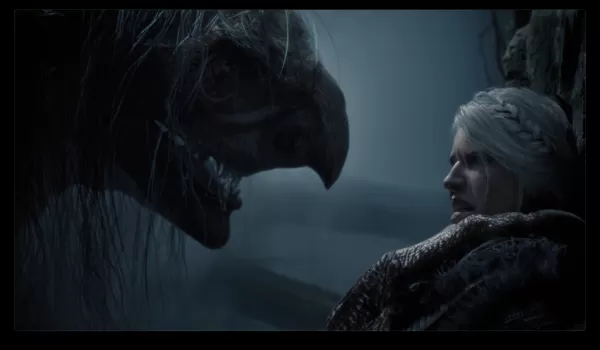
『ウィッチャー4』のサーイ主演作に「woke」ラベルを否定するゲラルト役者
Geraltの声優であるDoug Cockleは、『The Witcher 4』がCiriを中心に据えることに対する批判に対し、「自称ファンなら『本をよめ』」と呼びかけた。「それはただのバカげている話だ」と、CD Projektの次作RPGへの反発について語った同氏は、初主人公となるCiriに注目が集まっていることに火がついていることを指摘した。「ウィーキーでもない」と、Fall Damageが公開した動画の中で付け加えた。「何一つとしてウィーキーじゃない。[Ciri]は『The Witcher
『ボーダーランドズ4』発売によるシフト影響がGTA6に及ぼす効果
Gearboxの次作ファーストパーソン・シューティングゲーム『Borderlands 4』は、スタジオ代表のランディ・ピッチフォードが事前に公開した動画で明らかにされた通り、当初のスケジュールより11日早く発売されることになった。
9月23日に発売予定だった『Borderlands 4』は、PC、PlayStation 5、Xbox Series X|S、Nintendo Switch 2向けに9月12日に前倒しとなった。
動画の中でピッチフォード氏は、「開発は非常に順調に進んでいます—実際には
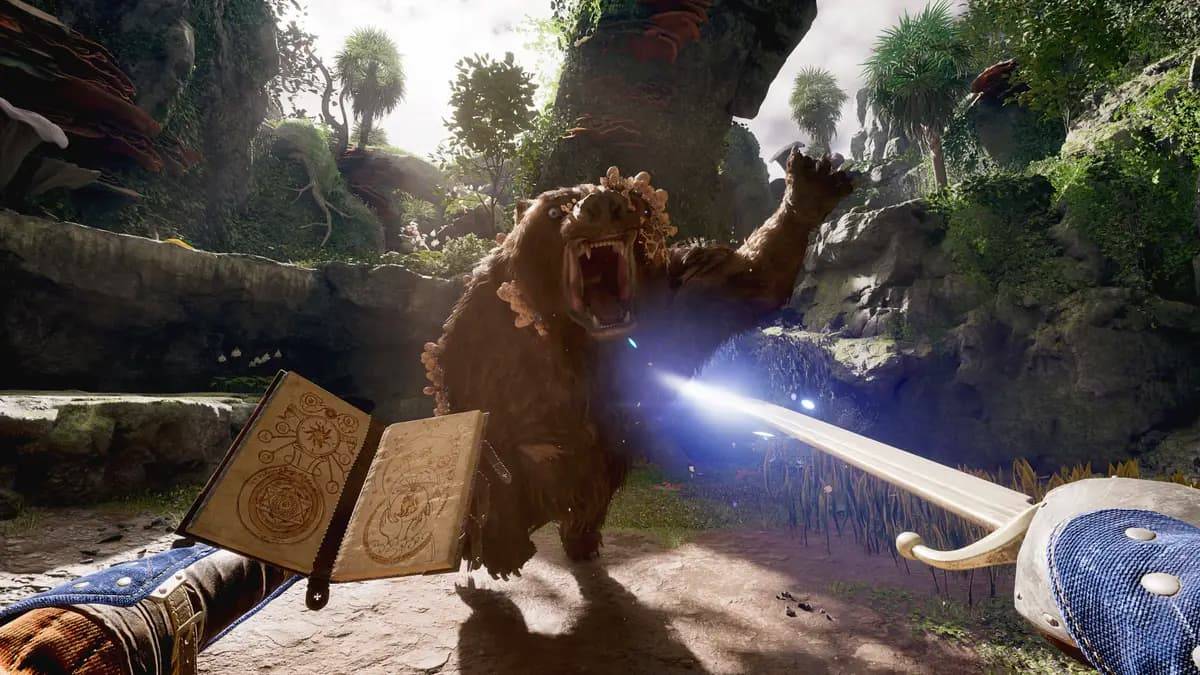
『アヴオード』の最大レベルは? レベルキャップを解説
Obsidian Entertainment が制作した『Avowed』は、プレイヤーの決断がダイナミックな物語を駆動する没入型ロールプレイングタイトルです。プレイヤーは豊富なクエストや倒すべき敵に直面することが期待できます。もし『Avowed』における最大レベルについて気になることがあるなら、以下の詳細をお読みください。
推奨動画
目次
Avowed の最大レベル上限 30 に到達すると実績が解禁されるか?
Avowed の最大レベル上限
『Avowed』では、最大レベル上限は 30 に設定さ
トランプ関税で日本のゲーム株が急落
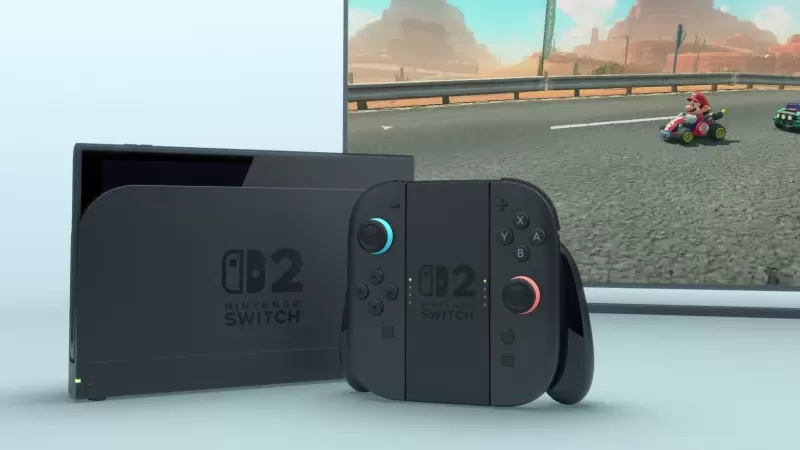
日本のビデオゲーム企業は、ドナルド・トランプ大統領による新関税発表を受け、株式市場で大幅な下落を経験した。ホワイトハウスの関係者は、4月9日より「最悪の加害者」と見なされる約60か国を対象とした targeted な対等関税を適用すると示唆した。この政策により、日本には24%という個別の関税率が課されることになっている。行政当局者は、これらの国々が米国輸出に対してより高い関税を設定し、制限的な非関税障壁を維持しているか、米国の経済的利益を損なうと見なされている慣行を行っていると考えている。関税は
『IT』と『アヌンビアス』の作家・プロデューサー、メディア「ザ・ミディアム」のスクリーン権利を獲得。「ブルーバーが開発するものはすべて、ユニークで恐ろしい方法でホラーを前進させるだろう」
ITと『アナベル』の脚本・プロデューサーであるゲイリー・ダウバーマンが、ブロオバーチームの『ザ・ミディアム』をスクリーンに持ち込む準備を進めている。
ハリウッド・レポートの報道によれば、ダウバーマンはブロオバーの緊張感あふれるホラータイトルである『ザ・ミディアム』の映画化権を獲得したが、監督や脚本家は未だ発表されていない。
「その魅力的なストーリーと信じがたいほど映像的なビジュアルにより、『ザ・ミディアム』は長編映画への適応にうってつけです」とダウバーマンは声明の中で述べた。
「[CEO]ピオト
Car Home Ultra のようなアプリ




DLT Driver
自動車と乗り物丨26.9 MB
EconTool Nissan ELM327
自動車と乗り物丨29.3 MB
StarLine Key
自動車と乗り物丨11.0 MB
Yamaha MyGarage
自動車と乗り物丨108.2 MB

最新のアプリ
CRAB Car Scanner
自動車と乗り物丨8.6 MB

VW Radio Code Generator
自動車と乗り物丨16.8 MB
skin truckers of europe 3
自動車と乗り物丨20.5 MB

Cartomizer
自動車と乗り物丨45.1 MB
Онлайн карта ГАИ ДПС Easy Ride
自動車と乗り物丨130.6 MB
DailyRoads Voyager
自動車と乗り物丨7.2 MB


מחירון רכב לוי יצחק 2.0
自動車と乗り物丨16.7 MB








トップニュース
もっと +


01
02-03
Roblox:アニメアドベンチャーコード(2025年1月)
アニメアドベンチャーコード:無料の宝石と報酬の包括的なガイド
このガイドは、Robloxの作業および期限切れのアニメアドベンチャーコードの最新リストを提供します。 これらのコードを償還することは、貴重なゲーム内の宝石やその他の報酬を付与し、冒険に有利なスタートを切ることができます。
1月5日更新、
02
05-26
BlueStacks機能でMU Immortalエクスペリエンスを強化します
Mu Immortalは、ファンが崇拝する古典的なMMORPGゲームプレイの本質を捉えています。主にモバイル向けに設計されたゲームは、ゲームを合理化および強化するツールの配列のおかげで、Bluestacksを使用してPCで再生されると本当に輝きます
03
05-16
「Clair Obscur:Expedition 33は3日間で100万人の売り上げを打つ」
Clair Obscur:Expedition 33はゲームの世界を席巻し、発売からわずか3日後に100万枚以上のコピーを販売することで週末の驚異的なオープニングを達成しました。この驚くべき偉業は、2025年初頭の最高のプレイヤー評価のゲームとしての地位を固めています。
04
04-21
Roblox Anime Genesis:2025年1月コード
アニメジェネシスのスリリングな世界に飛び込みます。これは、お気に入りのアニメキャラクターのチームを組み立てて、恐ろしいモンスターをかわすために、アニメ創世記のダイナミックなタワーディフェンスゲームです。あなたがレベルにソロに取り組んでいるか、友人とチームを組んでいるかにかかわらず、あなたは新しいヒーローを召喚するために使用できる宝石を獲得します、e
05
01-20
FANTASIAN の新しい DLC と予約注文
FANTASIAN Neo Dimension: DLC およびプレオーダー情報
追加コンテンツへの期待は高いものの、FANTASIAN Neo Dimension DLC やストーリー拡張の可能性は低いです。 ミストウォーカーの責任者である坂口博信氏は、完全で自己完結型のゲーム体験を目指し、続編には反対の意向を示しています。


